Day 11: Advance Git & GitHub for DevOps Engineers: Part-2
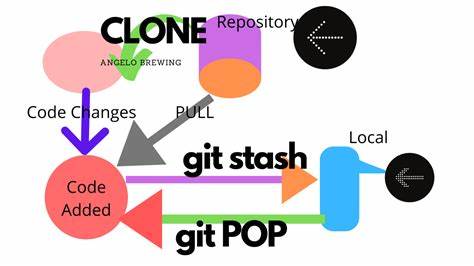
Git Stash:
Let's first discuss what we mean by 'stash', i.e. store something safely in a hidden place. Hence
git stashis a command temporarily saves your data without committing them. This is useful when you need to switch to a different branch to work on something else, but you don't want to commit the changes you've made in your current branch yet.Git stash has the following options available
git stash list: This returns a list of your saved snapshots in the format
stash@{0}:Syntax: git stash list
stash pop: To bring the changes back and apply them on top of the new commits.
Syntax: git pop
git stash apply: Applies the changes and leaves a copy in the stash
Syntax: git stash apply <stash-name>
git stash or git stash save <message>: Store the changes to (stash)
Syntax: git stash save <message>
git stash clear: The git stash clear command allows deleting all the available stashes at once.
Syntax: git stash clear
git stash drop <name of the stash>: To delete specific stash from the stash list
Syntax: git stash clear <name of the stash>
git stash branch <branch-name>: which creates a new branch for you with your selected branch name
Syntax: git stash branch <branch-name>
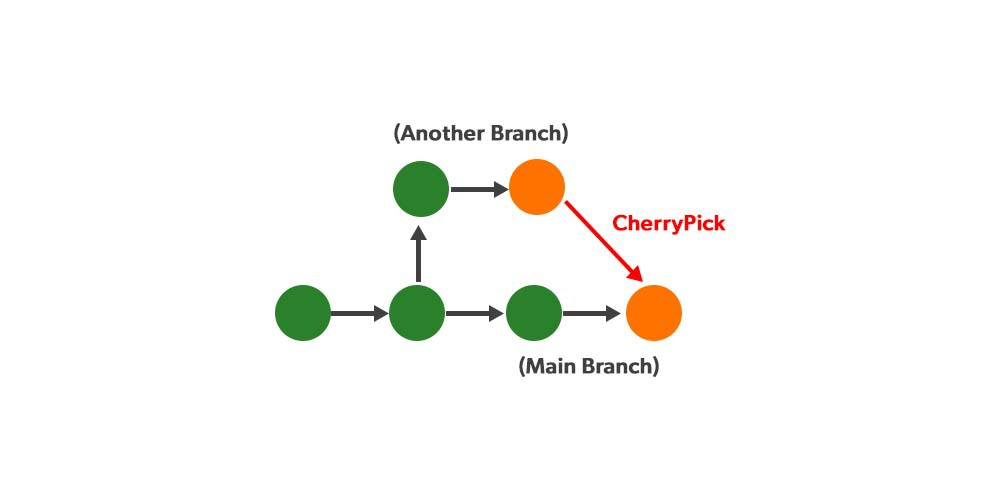
Cherry-pick:
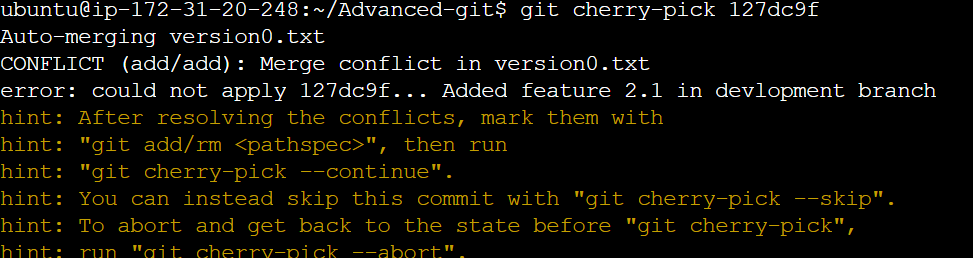
Git cherry-pick is a command that allows you to select specific commits from one branch and apply them to another. This can be useful when you want to selectively apply changes that were made in one branch to another, without merging the entire branch.
Resolving Conflicts:
Conflicts can occur when you merge or rebase branches that have diverged, and you need to manually resolve the conflicts before git can proceed with the merge/rebase.
git statuscommand shows the files that have conflicts, the git diff command shows the difference between the conflicting versions and the git add command is used to add the resolved files.
Task1:-
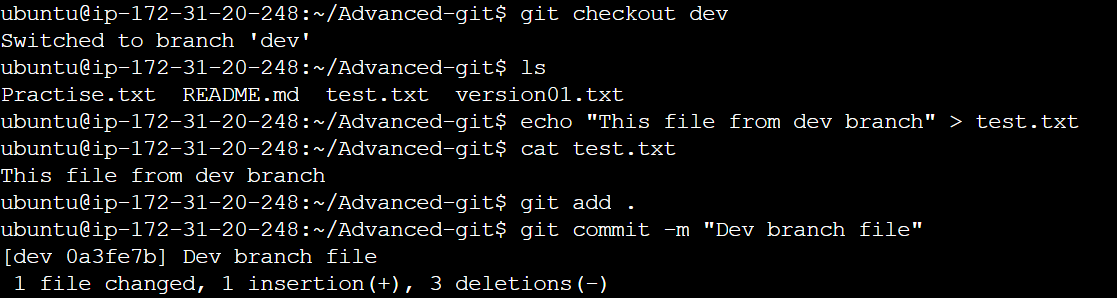
Create a new branch and make some changes to it.
git checkout -b <branch-name>
Use git stash to save the changes without committing them.
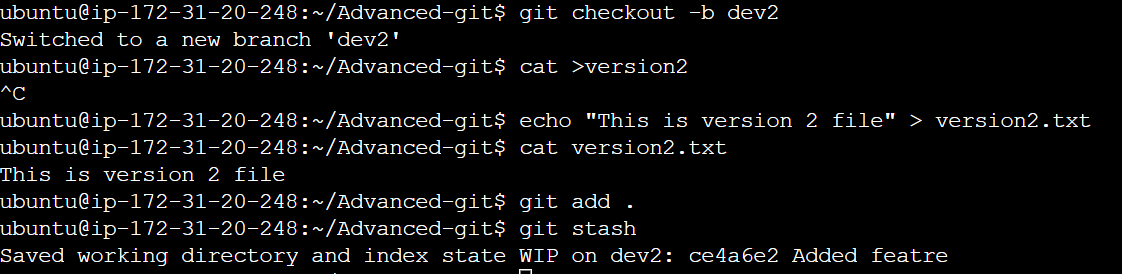
Switch to a different branch, make some changes, and commit them.
Use git stash pop to bring the changes back and apply them on top of the new commits.
git stash pop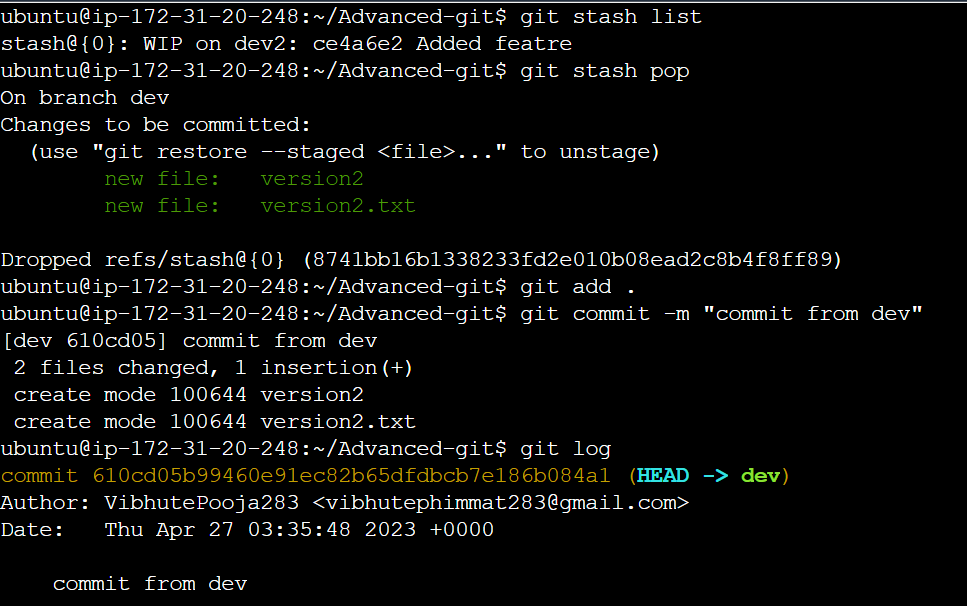
Task2:-
In version01.txt of the development branch add the below lines after “This is the bug fix in the development branch” that you added in Day10 and reverted to this commit

Line2>> This is the advancement of the previous feature
Commit this with the message “ Added feature2.2 in development branch”
Line3>> Feature 2 is completed and ready for release
Commit this with the message “ Feature2 completed”

All these commits messages should be reflected in the Production branch too which will come out from the Master branch (Hint: try to rebase)

Task3:-
In the Production branch Cherry pick Commit “Added feature2.2 in development branch” and added the below lines in it:
The line to be added after Line3>> This is the advancement of the previous feature
Line 4>>Added a few more changes to make it more optimized.
Commit: Optimized the feature

About the author
AWS DevOps Engineer
Comments
Join the discussionNo comments yet. Be the first to comment.


