Day 17 Task: Docker Project for DevOps Engineers.
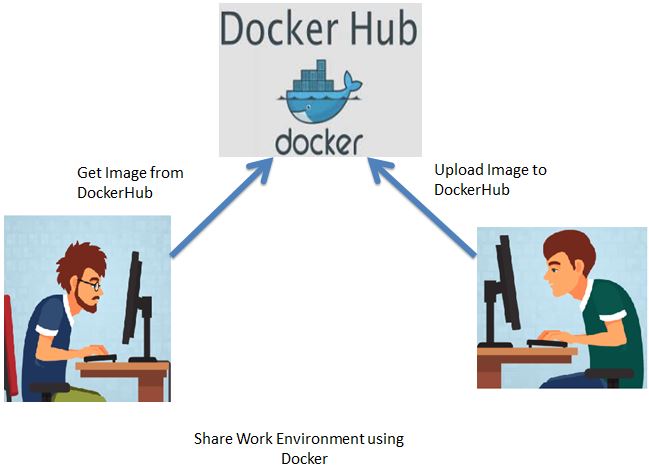
DockerFile:-
Docker can build images automatically by reading the instructions from a Dockerfile. A Dockerfile is a text document that contains all the commands a user could call on the command line to assemble an image. This page describes the commands you can use in a Dockerfile.
Format
Here is the format of the Dockerfile
# Comment
INSTRUCTION arguments
The instruction is not case-sensitive. However, the convention is for them to be UPPERCASE to distinguish them from arguments more easily.
Docker runs instructions in a Dockerfile in order. A Dockerfile must begin with a FROM instruction. This may be after parser directives, comments, and globally scoped ARGs. The FROM instruction specifies the Parent Image from which you are building. FROM may only be preceded by one or more ARG instructions, which declare arguments that are used in FROM lines in the Dockerfile.
Docker treats lines that begin with # as a comment unless the line is a valid parser directive. A # marker anywhere else in a line is treated as an argument. This allows statements like:
# Comment
RUN echo 'we are running some # of cool things'
Dockerfile instruction
FROM > Base Image
ADD/COPY > Add files and folder into the image
RUN > Execute commands in a new layer and commit the results.
EXPOSE> Containers listen on the specified network ports at runtime.
CMD > Run binaries /commands on docker run
Task:-
Create a Dockerfile for a simple web application ( Python app)
Build the image using the Dockerfile and run the container
Verify that the application is working as expected by accessing it in a web browser
Push the image to a public or private repository (e.g. Docker Hub )
Follow the Steps:-
Clone the GitHub repository from where you will get your required files.


remove the previous Dockerfile.

vim DockerFile add the below content in it
  vim Dockerfile

   # Dockerfile content
   FROM python:3.9
   COPY . .
   RUN pip install -r requirements.txt
   EXPOSE 8001
   CMD ["python","manage.py","runserver","0.0.0.0:8001"]
To Build the image from Dockerfile.
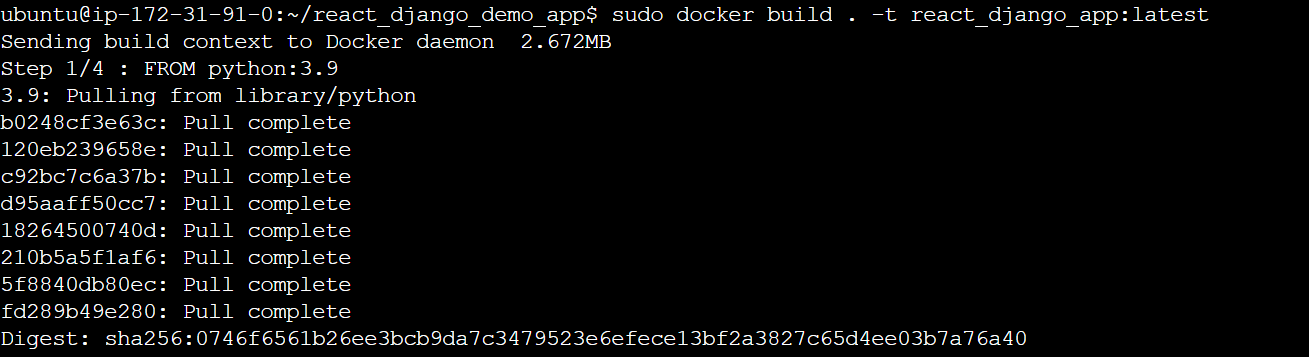
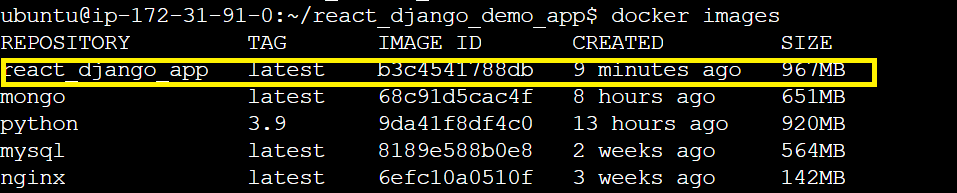
Run the image to create the container.

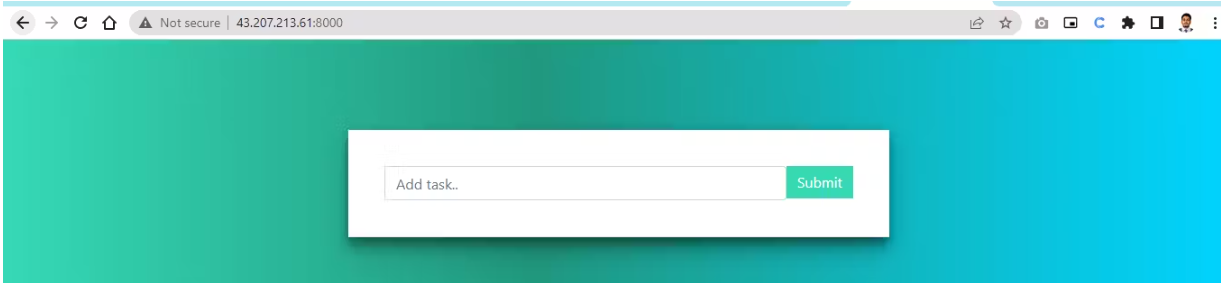
Verify application is working in a web browser.
Push the image to a public or private repository. (eg. dockerhub)
create a docker hub account
create a docker hub public repository
change local image tag according to the docker hub suggest
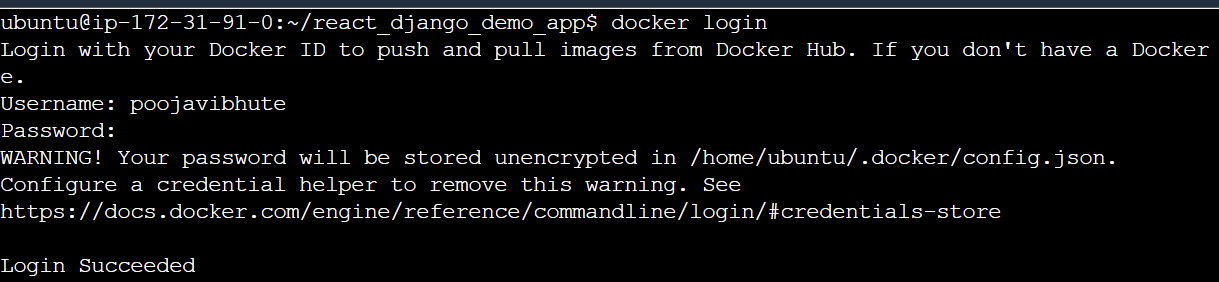
Push the image to a public or private repository docker push.
docker push username/docker latest image
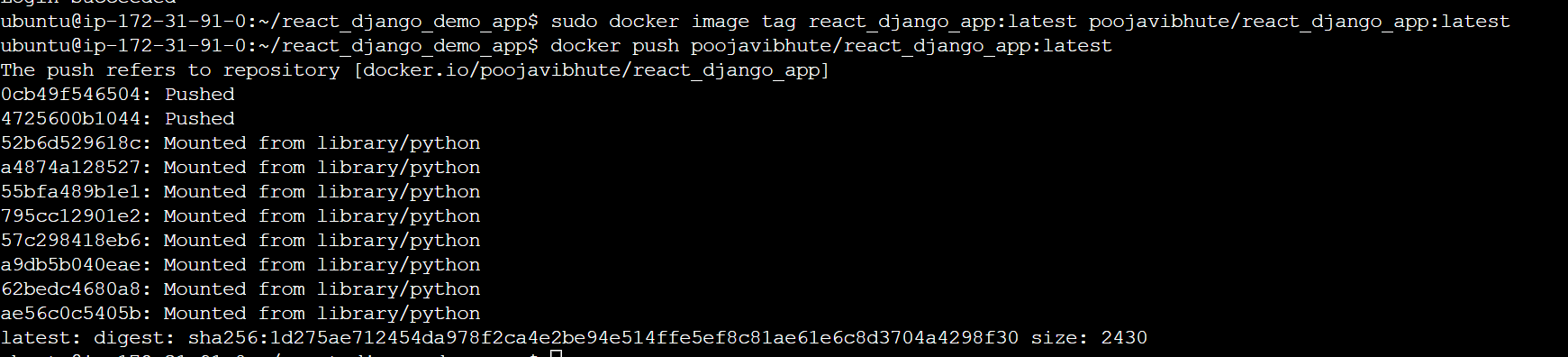
note:-In tag command provides the name of the latest image.
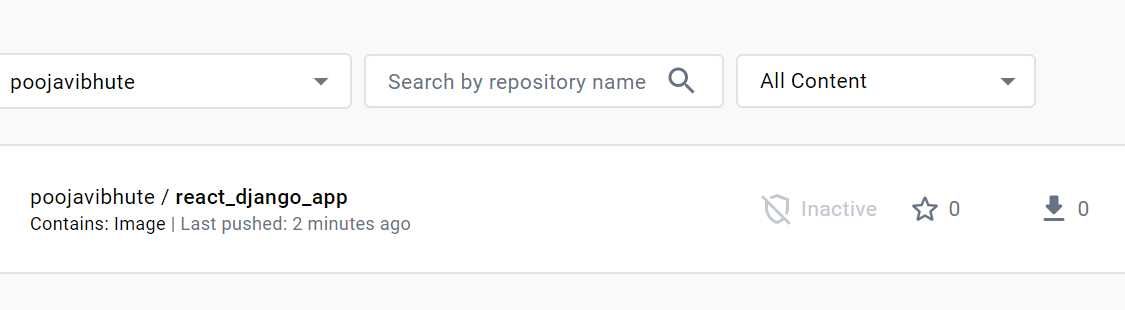
Check we can successfully push the docker image on Docker Hub.
About the author
AWS DevOps Engineer
Comments
Join the discussionNo comments yet. Be the first to comment.


